
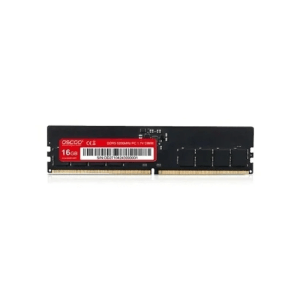
OSCOO P-300 16GB DDR5 5600MHz Desktop RAM
৳ 28,000
Showing: (25 Items)
Filters
Price Range
Brands
Showing: (25 Items)
OSCOO P-300 16GB DDR5 5600MHz Desktop RAM
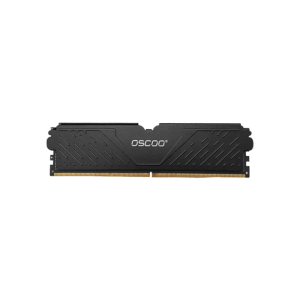
OSCOO Warrior E500 DDR5 5600MHz Desktop RAM

OSCOO Warrior E500 32GB DDR5 5200MHz Heatsink Desktop RAM

OSCOO R500 16GB DDR5 6000MHz RGB Heatsink Desktop RAM
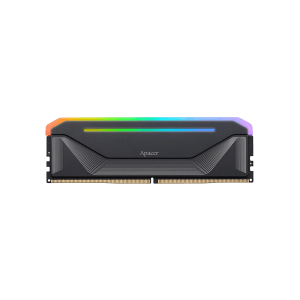
Apacer NOX RGB 16GB DDR5 6000MHz Gaming Desktop RAM
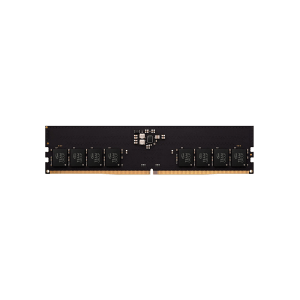
Team ELITE DDR5 5600MHz Desktop RAM

Apacer 8GB DDR5 4800MHz SODIMM Notebook RAM
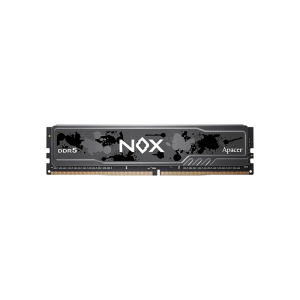
Apacer NOX DDR5 5200MHz Desktop RAM
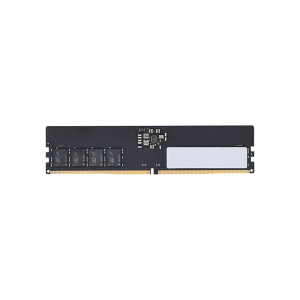
Apacer 16GB DDR5 5600MHz Desktop RAM

Neo Forza 16GB DDR5 6000MHz RGB Heatsink Desktop RAM

TwinMOS VOLTX 16GB DDR5 6000MHz Desktop RAM
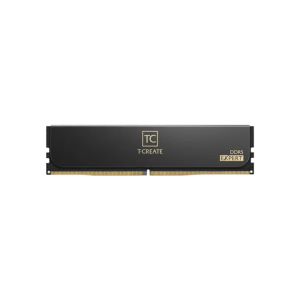
Team T-CREATE EXPERT DDR5 6000MHz Desktop RAM
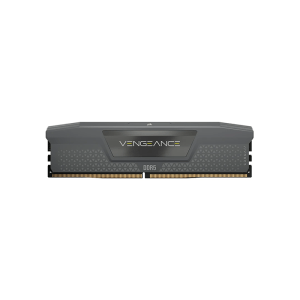
Corsair Vengeance 16GB DDR5 6000MHz Heatsink Gaming Desktop RAM
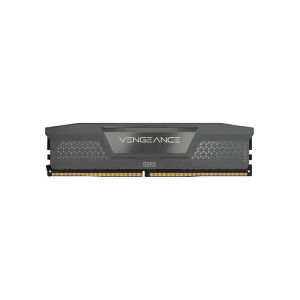
Corsair Vengeance 8GB DDR5 5600MHz Heatsink Desktop RAM
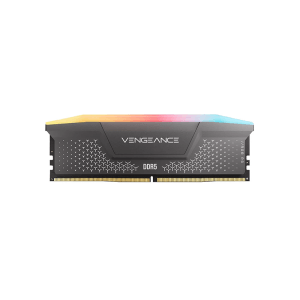
Corsair Vengeance RGB RS 8GB DDR5 6000MHz Heatsink Desktop RAM
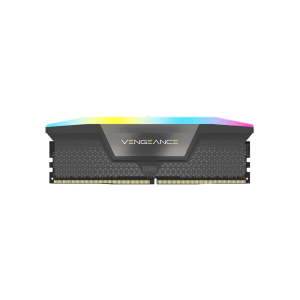
Corsair Vengeance RGB 8GB DDR5 5600MHz Heatsink Gaming Desktop RAM
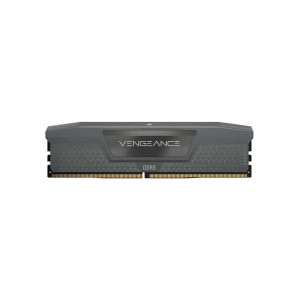
CORSAIR Vengeance DDR5 6000MHz Heatsink Desktop RAM
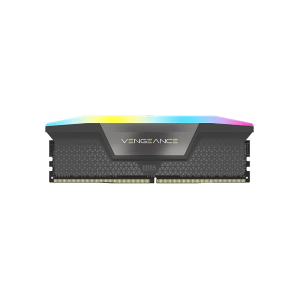
CORSAIR Vengeance RGB DDR5 6000MHz Heatsink Gaming Desktop RAM
DDR5 RAM is the new favorite for PC builds. It is faster than DDR4. It uses power better too. And it lets you add more memory when you need it.
If you are building a PC in 2026, you will mostly see DDR5. Most new CPUs and motherboards use it as the default choice now.
DDR5 RAM price in Bangladesh changes based on a few things. Capacity, speed, latency, RGB lights, and brand all play a part. An 8GB stick stays cheap and works fine for light use. But if you want more capacity and higher speed, the price goes up. In return, you get smoother performance. This helps a lot in gaming, editing, and multitasking.
DDR5 comes with some technical words. They may sound confusing at first. But once you understand them, buying gets a lot easier. You don't need to be a tech expert for this.
This shows how fast the RAM moves data. It starts at 4800MHz. Can go up to 7200MHz or more. Most people don't need the speed though. The sweet spot sits between 5600MHz and 6000MHz. This gives you a mix of price and performance.
CL shows how fast the RAM responds. You will see numbers like CL30, CL36 or CL40. A lower number means response. If you pair a CL with high speed you get the best performance.. This combo also costs more.
These are simple BIOS profiles. Just one click and your RAM runs at its full advertised speed. Without them, RAM runs slower at default JEDEC speed.
Intel boards use XMP. AMD boards use EXPO. Turning either one on takes just a few clicks inside BIOS. Nothing complicated about it.
These are one-click BIOS profiles. They push RAM to run at advertised speed instead of slower default JEDEC speed. Intel boards use XMP, AMD boards use EXPO, and enabling either one is usually just a few clicks inside BIOS.
Built directly into DDR5 chips. Handles small data errors automatically at bit level, keeping system stable without user needing to do anything extra.
Small chip sitting right on RAM module. Manages power delivery, keeps voltage clean around 1.1V baseline, and helps with better thermal control during heavy use.
One stick of RAM works fine. But two sticks work better. A dual-channel kit, like 2x8GB or 2x16GB, gives you a real boost.
Why? Because two sticks move data together. That's faster than one stick doing it alone. You will feel the difference most in gaming and multitasking.
Different users need different amounts of memory. Buying more RAM than you actually need may not always be the best value, while buying too little can limit your system later.
|
Capacity |
Recommended Use Case |
Estimated Price Tier in BD |
|
8GB DDR5 |
Entry-level multitasking, basic office tasks |
Budget Tier |
|
16GB DDR5 |
Mid-range gaming, everyday productivity |
Mid-Range /embed/apple-gadgets/ Popular Tier |
|
32GB |
1440p/4K gaming, content creation, heavy multitasking |
Gaming & Creative Sweet Spot |
|
64GB |
Professional 3D rendering, 8K video editing, virtual machines |
Enthusiast /embed/apple-gadgets/ Workstation Tier |
8GB fits basic browsing and office work fine, nothing heavy. 16GB stays most popular pick right now, handling gaming and daily tasks smoothly. 32GB works great for creators and gamers running heavier titles or editing software. 64GB and above mostly goes to professionals running rendering, editing, or virtual machine work all day.
Before buying, checking hardware support matters a lot. Not every CPU or motherboard runs DDR5, so confirming compatibility first avoids wasted purchase.
On Intel's side, things depend on the motherboard. 12th Gen Alder Lake and 13th Gen Raptor Lake can run either DDR4 or DDR5. It just depends on which board you pick. 14th Gen Raptor Lake Refresh works the same way. But Intel's newer Core Ultra Series, built on Arrow Lake with the LGA 1851 socket, only works with DDR5. No DDR4 option there at all.
On AMD's side, it's simpler. Ryzen 7000 Series on AM5 sockets runs DDR5 only. Ryzen 8000 Series APUs stick to the same rule. And Ryzen 9000 Series, built on Zen 5, is DDR5 native too. No going back to DDR4 with these.
Intel chipsets split into two groups. Entry to mid-range covers H610 with DDR5 models along with B660, B760 and B860. Enthusiast and overclocking side includes H670, H770, Z690, Z790 and Z890.
AMD chipsets, all running AM5 sockets split similarly. Entry to mid-range covers A620, B650, B650E and B850. Enthusiast tier includes X670, X670E X870 and X870E.
One thing worth remembering DDR5 modules physically don't fit into DDR4 slots. Notch location and pin layout differ so there's zero chance of mixing them up.
Looking beyond capacity can help you choose RAM that matches your system and workload much better.
Choose memory based on how you use your PC. Office work and everyday tasks need memory than gaming, editing or professional software.
Higher memory speed gives your processor more bandwidth. This becomes more noticeable in modern games and demanding applications.
A lower CL value helps memory respond faster. It works best when paired with a suitable memory speed.
Dual-channel kits usually deliver smoother overall performance than a single memory module with the same total capacity.
RGB RAM adds lighting to match your PC build. Non-RGB models focus more on value and clean looks.
A good heat spreader helps keep memory temperatures stable during long gaming sessions or heavy workloads.
If you want maximum performance, choose memory that supports Intel XMP or AMD EXPO profiles.
Reliable brands often provide better compatibility, longer warranties, and more consistent performance over time.
Several trusted brands offer DDR5 memory for different budgets and performance needs.
Nope you can't. DDR5 and DDR4 have notch and pin layouts. So even if you try it just won't slide into the slot. Not something you can force your way
Yes. This ones important. New RAM sticks don't run at speed right out of the box. They sit at a base speed around 4800MHz until you turn things on. So head into BIOS switch on XMP or EXPO and boom you're getting the speed you paid for.
Depends on what you're doing. 16GB gets the job done as a baseline.. If you're running newer AAA games with a bunch of background apps open 32GB (as 2x16GB) handles it a lot more comfortably.
Yes both sides support it. Though AMD EXPO kits tend to pair a bit with Ryzens Infinity Fabric and Intel XMP 3.0 just fits Intel boards more naturally. Either way you're covered.