

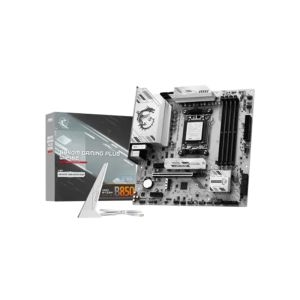
MSI B850M GAMING PLUS WIFI6E AM5 mATX Motherboard
৳ 23,800
Showing: (59 Items)
Filters
Price Range
Brands
Showing: (59 Items)
MSI B850M GAMING PLUS WIFI6E AM5 mATX Motherboard

MSI MAG B850M MORTAR WIFI AM5 mATX Motherboard
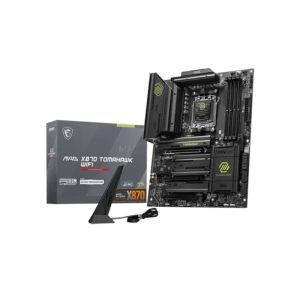
MSI MAG X870 TOMAHAWK WIFI AM5 Motherboard
MSI B650M PROJECT ZERO AM5 m-ATX Motherboard
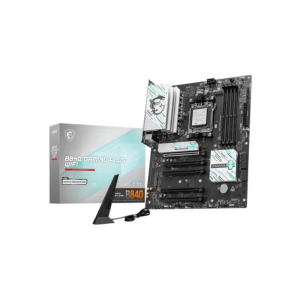
MSI B840 GAMING PLUS WIFI AMD AM5 ATX Motherboard
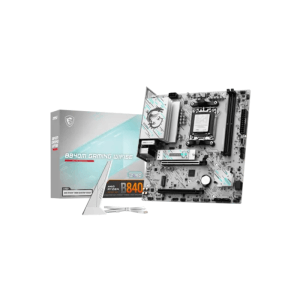
MSI B840M GAMING WIFI6E AM5 mATX Motherboard

MSI B850 GAMING PLUS WIFI6E AM5 ATX Motherboard
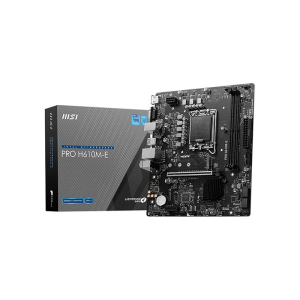
MSI PRO H610M-E DDR5 Intel Micro ATX Motherboard
৳ 3,000 OFF
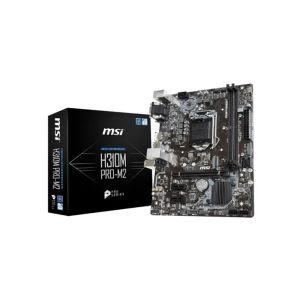
MSI H310M Pro-M2 Intel 9th Gen Motherboard

MSI H510M PLUS II 10th/11th Gen mATX Motherboard
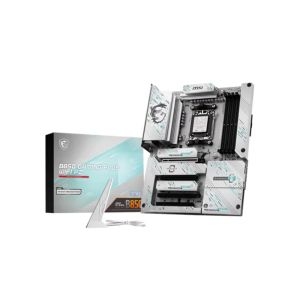
MSI B850 GAMING PLUS WIFI PZ AM5 ATX Motherboard
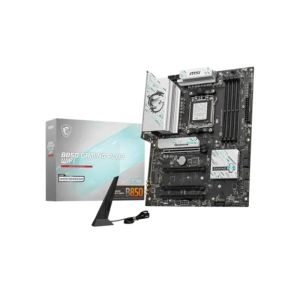
MSI B850 GAMING PLUS WIFI 7 AM5 ATX Motherboard
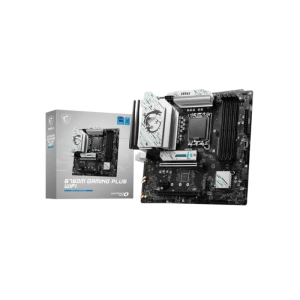
MSI B760M GAMING PLUS WIFI 6E mATX Motherboard
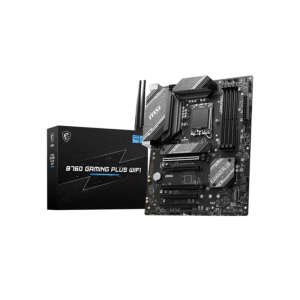
MSI B760 GAMING PLUS WIFI ATX Motherboard
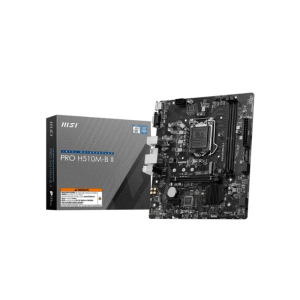
MSI PRO H510M-B II 10th Gen Micro-ATX Motherboard
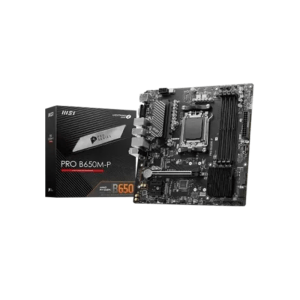
MSI PRO B650M-P DDR5 AMD AM5 Micro ATX Motherboard
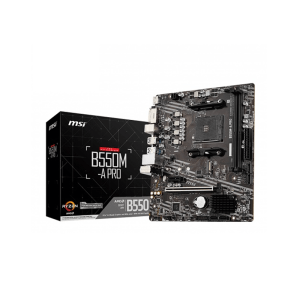
MSI B550M-A PRO DDR4 AMD AM4 Micro ATX Motherboard
৳ 1,500 OFF
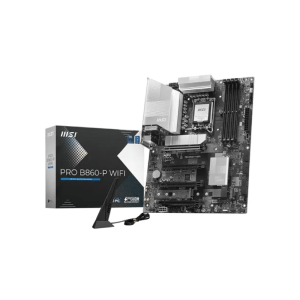
MSI PRO B860-P WIFI DDR5 ATX Motherboard
Building a computer usually starts with picking the motherboard. The motherboard decides how well all the parts of the computer work together and how easy it is to upgrade the computer. MSI is a known company that makes reliable motherboards for people who use computers every day, for people who like to play games, for people who create content and for people who really like computers.
MSI Motherboard Price in Bangladesh varies depending on what kind of chipset it has, what size it is, what kind of connections it has and what features it has. If you are building a computer for the office or a fast gaming computer there are options that fit what you need without being too hard to choose from.
If you're looking for the latest MSI motherboard price in Bangladesh, AG Computer offers a wide collection of genuine boards from trusted MSI series. From affordable PRO models for everyday computing to high-performance MPG and MEG boards built for demanding gaming and professional workloads, you'll find reliable options backed by authentic warranties and competitive pricing.
Different MSI motherboards are designed for different budgets and workloads. Knowing which price segment fits your usage often makes the buying process much simpler.
|
Price Segment |
Best For |
Common Features |
|
Entry-Level |
Office & Home PCs |
Essential connectivity, reliable performance |
|
Mid-Range |
Gaming & Productivity |
Better VRM, more expansion, faster networking |
|
Premium |
Enthusiast & Workstation Builds |
Advanced cooling, PCIe 5.0, DDR5, flagship features |
MSI organizes its motherboards into several series, each built with a different type of user in mind.
MSI PRO Series stays simple and clean. Built mostly for office use and home PCs where looks matter less than reliability. Durable, budget-friendly, gets the job done.
MSI MAG Series, also known as Arsenal Gaming, sits in mid-range. Good heatsinks, solid gaming features, fair pricing. Tomahawk and Mortar boards fall under this line, and both stay popular among casual to mid-level gamers.
MSI MPG Series, short for Performance Gaming, steps up further. RGB lighting comes in, thermal design gets better, networking speed improves too. Carbon and Edge models sit here, mostly picked by gamers who stream or multitask heavily.
MSI MEG Series, Enthusiast Gaming, sits right at top. Extreme power phases, PCIe 5.0 slots, premium audio chips. Ace, Godlike, and Unify boards belong here, built for people who want zero compromise in their build.
A motherboard should match both your processor and the way you plan to use your PC.
MSI makes boards for both Intel and AMD Ryzen chips. Socket type has to match CPU generation exactly, otherwise nothing fits, no matter how good the board looks. Always check socket compatibility before ordering anything, this single step avoids most return headaches.
By Chipset
|
Chipset |
Recommended For |
|
H Series |
Everyday computing |
|
B Series |
Gaming and multitasking |
|
Z Series |
High-performance Intel builds |
|
A Series |
Entry-level AMD builds |
|
X Series |
High-end AMD builds |
|
Form Factor |
Best Choice For |
|
ATX |
Full-featured gaming PCs |
|
Micro-ATX |
Budget and compact builds |
|
Mini-ITX |
Small Form Factor PCs |
ATX gives most room for expansion, ideal for bigger gaming setups. Micro-ATX saves space and cost, still handles gaming fine. Mini-ITX suits people building small, compact PCs where desk space stays limited.
A few specifications often make a bigger difference during daily use than many buyers expect.
DDR4 memory still works well for people and it is cheaper. DDR5 memory is faster. It costs more money. The amount of memory a computer can handle and how fast it can go is different for each computer so it is an idea to check these things before you buy one. This way you can avoid problems on.
If you want your computer to be able to handle parts in the future you should think about PCIe 4.0 or 5.0. These make it easier to add graphics cards or super fast storage. M.2 NVMe slots make storage faster. You can also add hard drives or cards later if you need to because there are extra SATA ports and PCIe slots.
Having Wi-Fi, Bluetooth and 2.5G LAN makes your internet connection stable and fast. USB Type-C ports are helpful for transferring data. You also need HDMI, DisplayPort and good audio quality, for use especially if you do not have a separate graphics card.
VRM design and heatsinks affect stability during heavy load, especially gaming or rendering sessions. M.2 cooling stops SSDs from throttling under stress. Enough fan headers keep airflow steady across the whole case, which matters more than people usually expect.
MSI includes several technologies that improve performance, stability, and everyday usability.
|
Technology |
Benefit |
|
Core Boost |
Stable CPU power delivery |
|
Memory Boost |
Improved RAM stability |
|
Lightning Gen PCIe |
Faster expansion support |
|
BIOS Flashback |
Easy BIOS updates |
|
Mystic Light |
RGB customization |
|
EZ Debug LED |
Easier troubleshooting |
Matching the right series makes shopping much simpler, no guesswork needed.
Office PC users should stick with PRO series, paired with H or A series chipset, since daily tasks don't really need extra power and overspending makes no sense here. Meanwhile, budget gamers usually land between PRO and MAG, running on B series chipset, depending on how much headroom they want for future games. And for mid-range gaming, MAG series works best, also on B series chipset, giving decent performance without pushing the budget too far.
On the other hand, high-end gaming needs MPG series, paired with Z or X series chipset depending on whether it's Intel or AMD. Similarly, content creators should look at MPG or MEG, both running on Z or X series, since heavy editing and rendering need stronger power delivery to keep things smooth. Finally, enthusiast builds, where nothing gets compromised, go straight for MEG series with Z or X series chipset. Either way, serious gamers or creators should lean toward MPG or MEG, since those boards handle heavy load far better long-term compared to lower series.
MSI adds several practical features that help during both installation and long-term use.
Whether you're building your first PC or planning an upgrade, MSI Motherboard Price in Bangladesh covers options for entry-level systems, gaming rigs, and premium workstations. At AG Computers, you'll find a wide selection of genuine MSI motherboards to help you build with confidence.
MAG and MPG series are popular choices for Intel builds, while PRO models work well for everyday computing.
DDR4 remains a budget-friendly option, while DDR5 offers higher bandwidth and better long-term upgrade potential.
Match your processor with the motherboard socket and supported chipset before making your purchase.
No. Some models include built-in Wi-Fi, while others require a separate wireless adapter.
Yes. Many MSI models support faster memory, PCIe 5.0, additional storage, and newer processors, making future upgrades much easier.